Built to look clean.
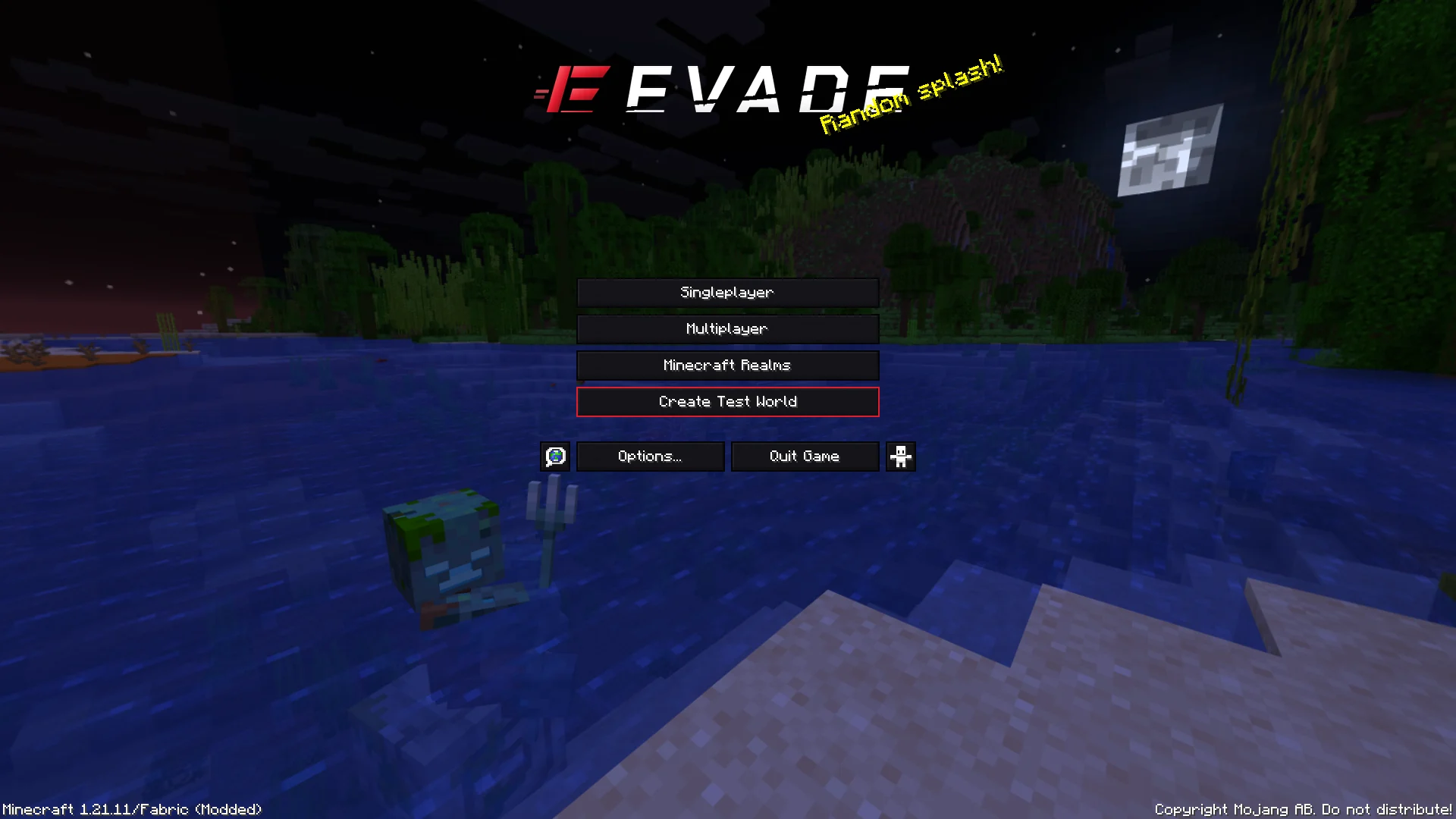
Every image here is a real screenshot from the game, taken by Evade's automated in-game tests. Nothing is a mockup.
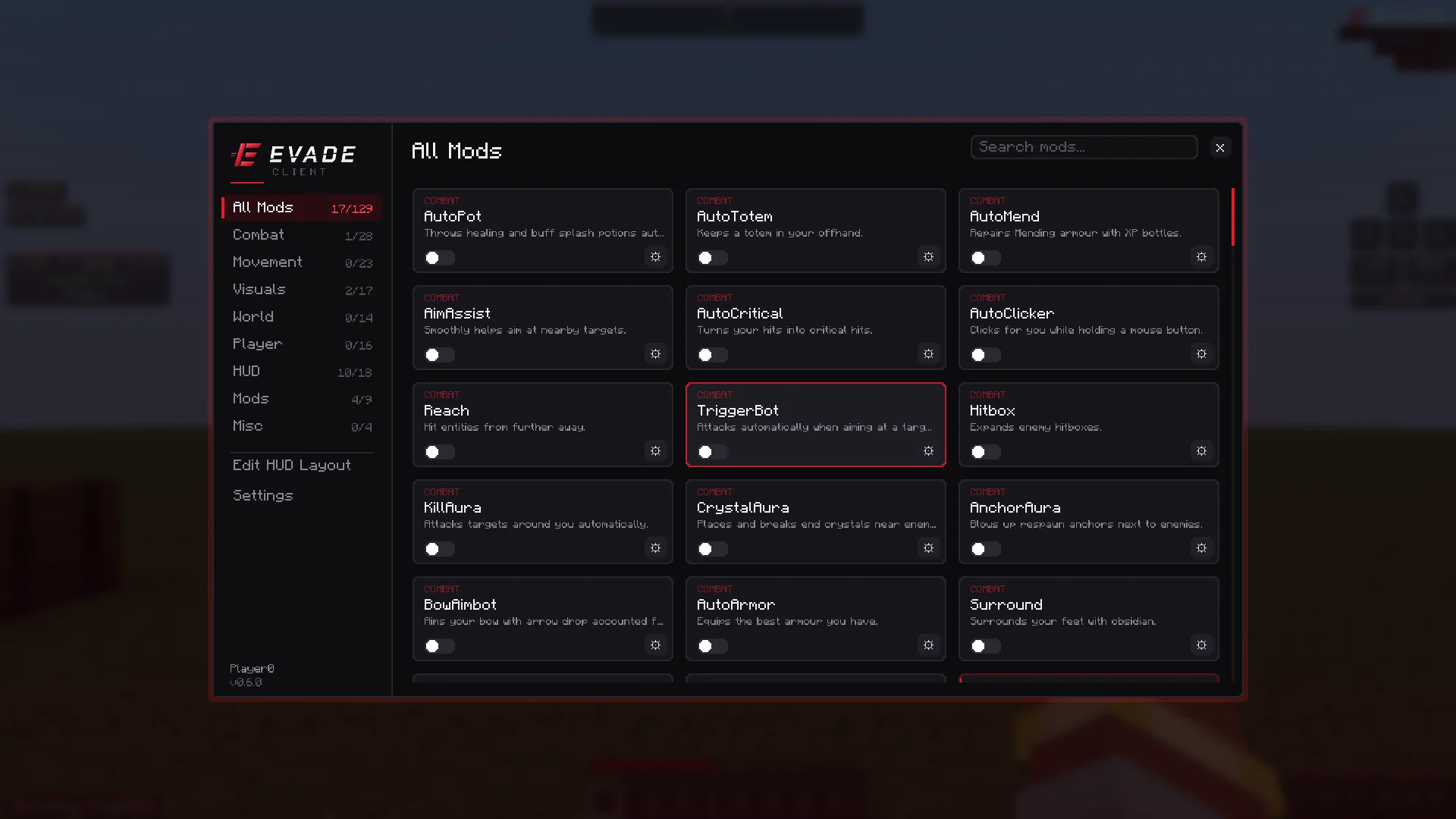
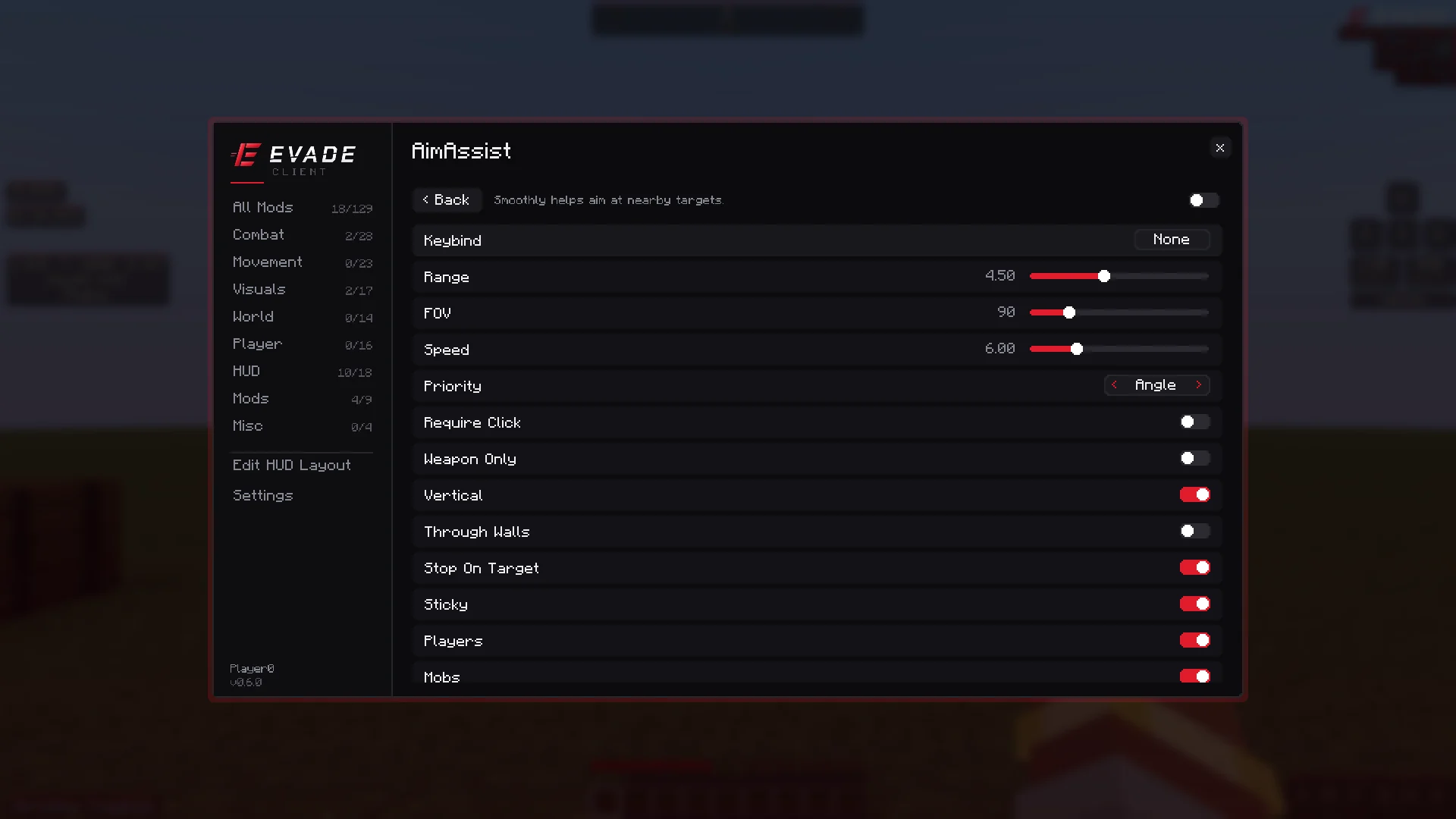
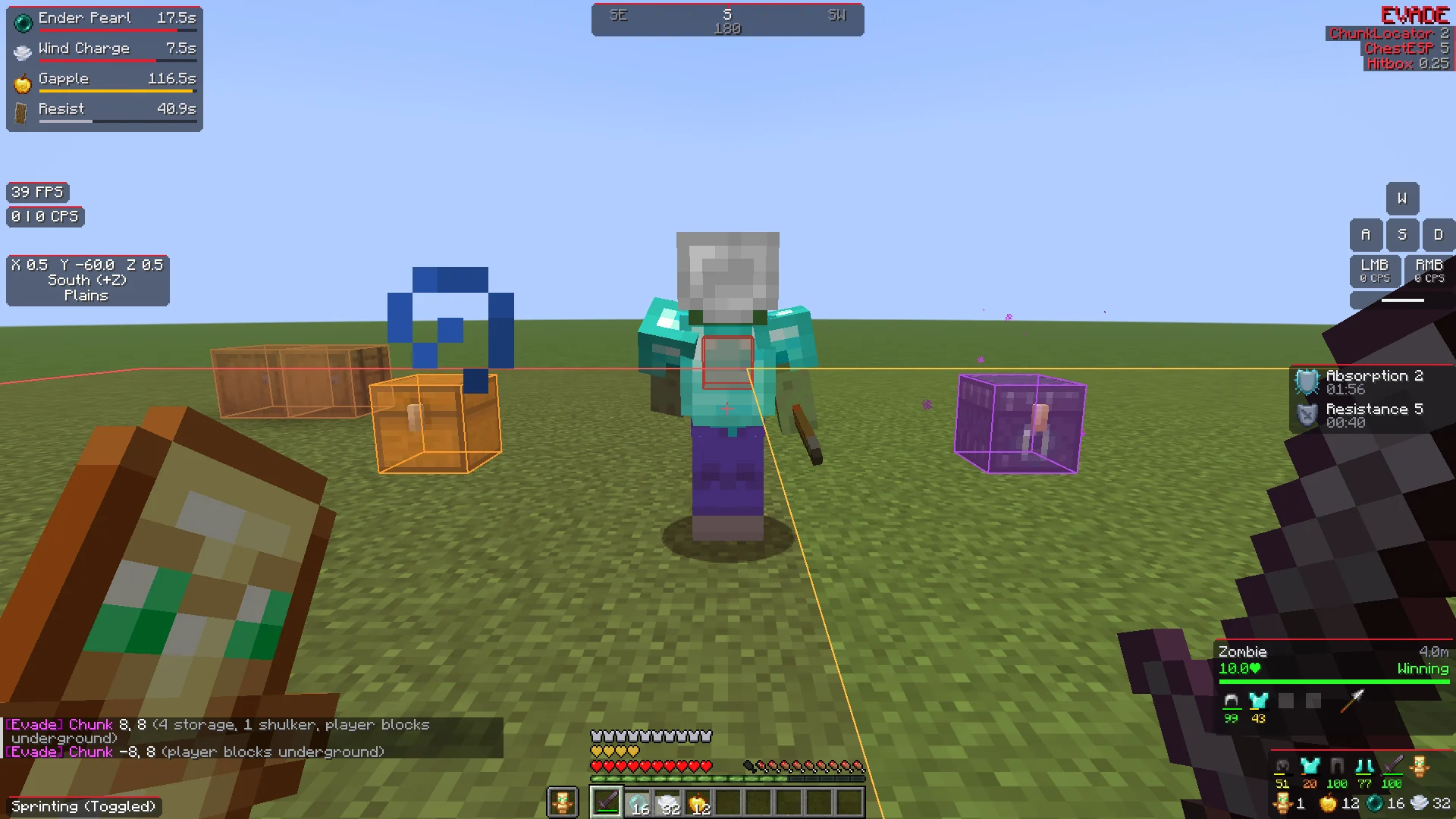
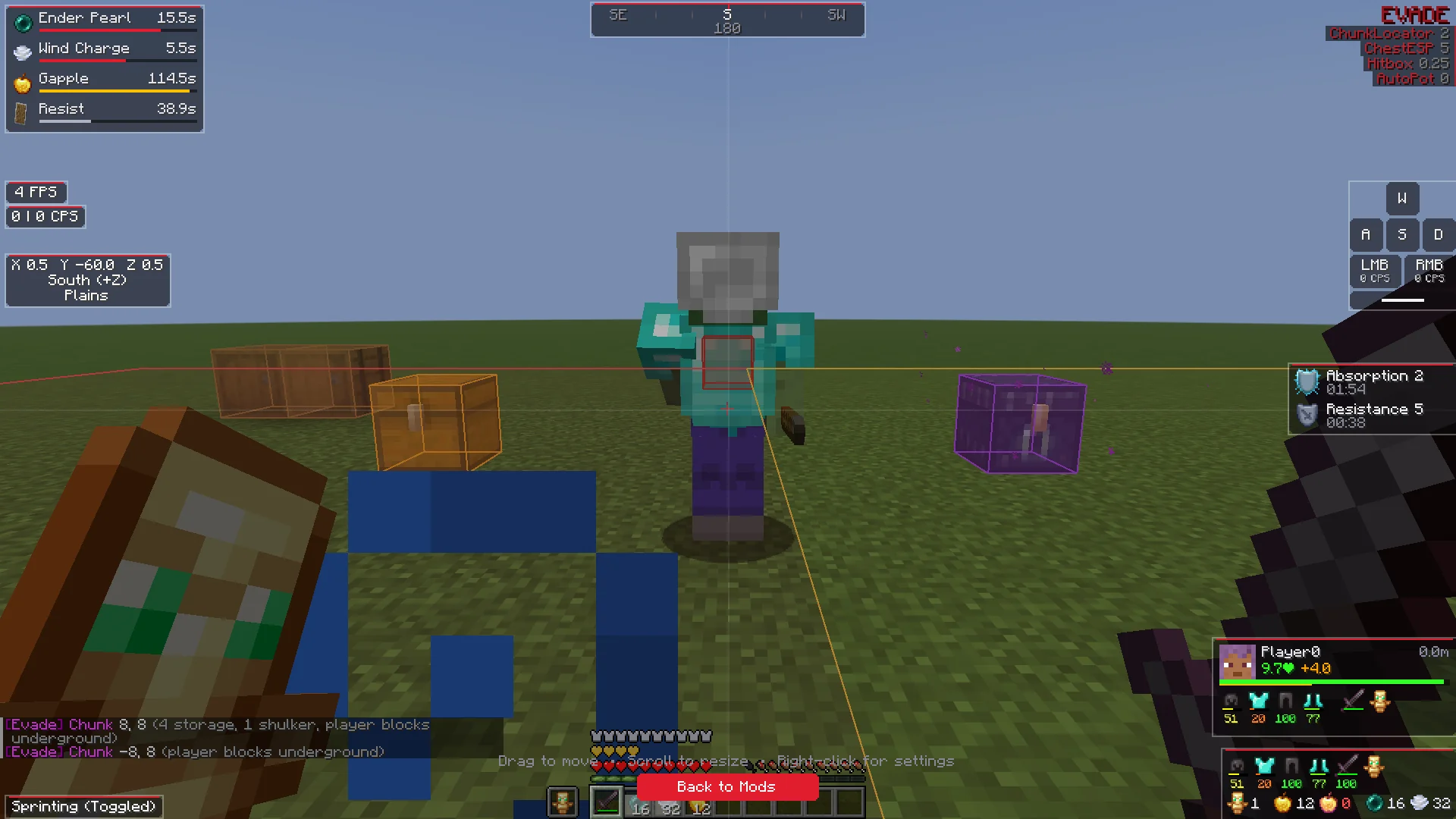
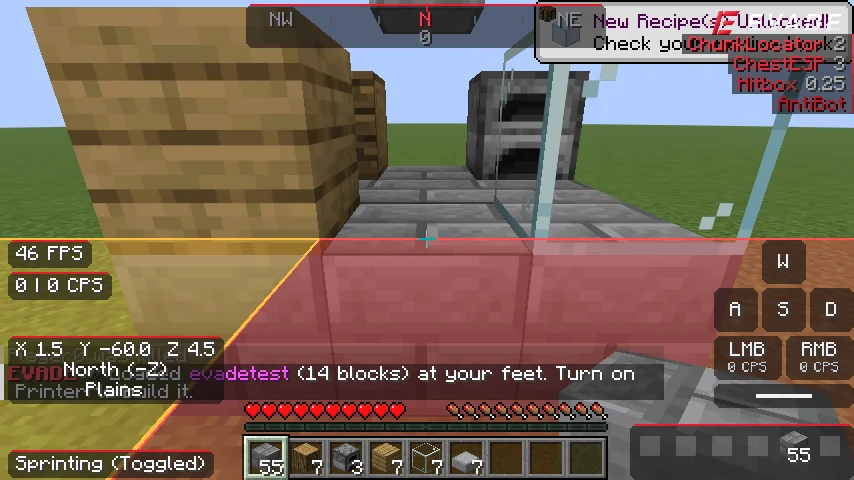
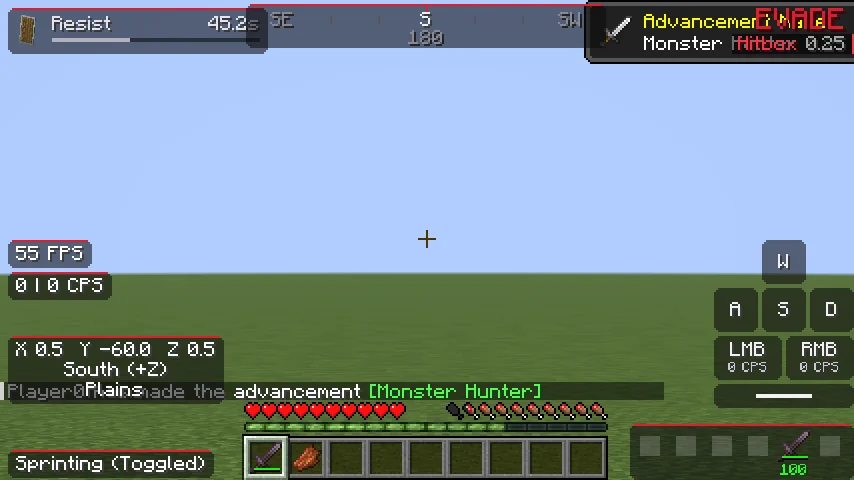
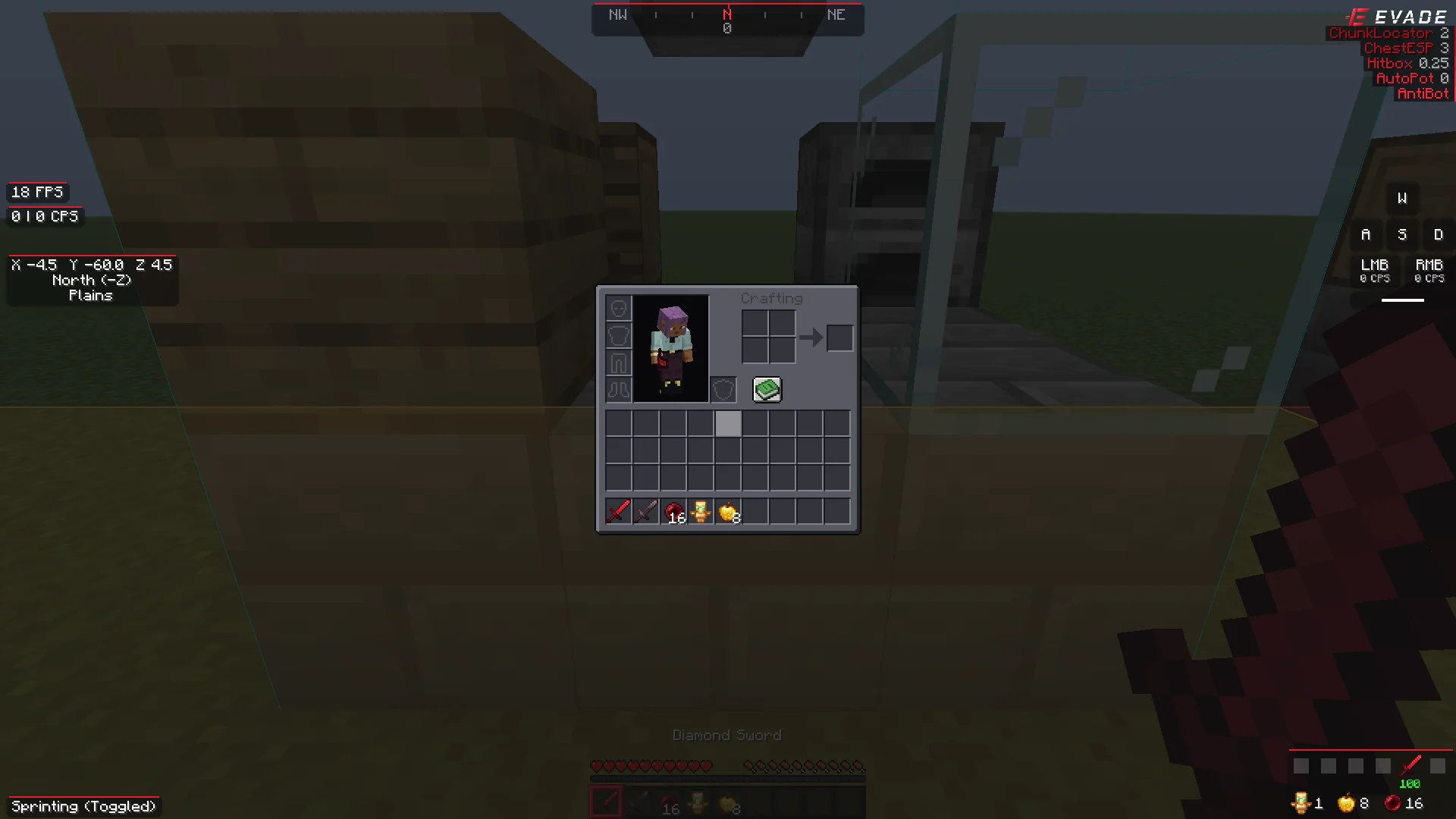
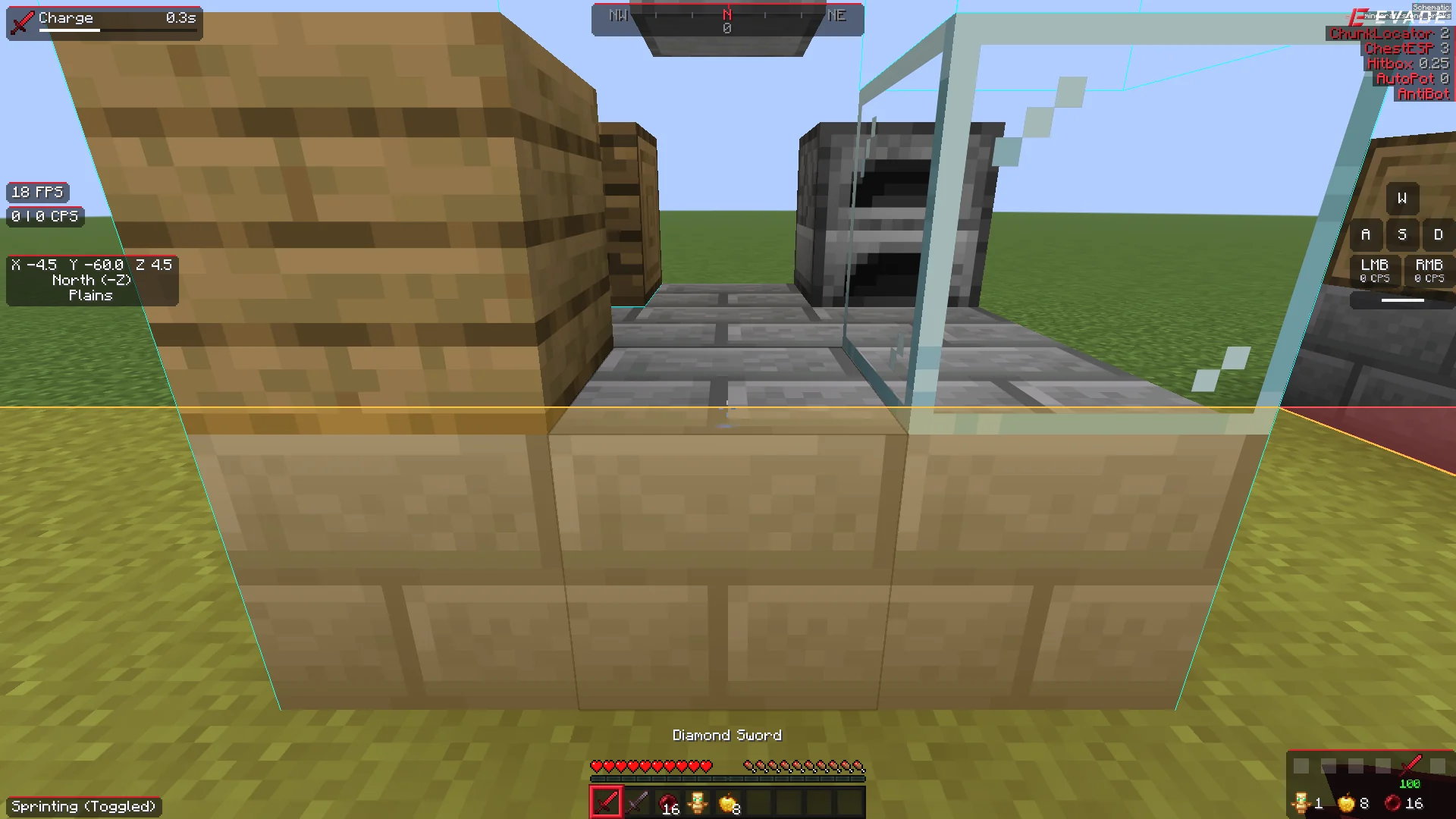
All 18 HUD elements
Every element you can place on screen, each with its own scale, background and colours. Drag, snap and resize them in the HUD editor. Click one for its settings.
ArmorHUD
Shows your armour durability and supplies.
6 settings →Clock
Real-world time.
5 settings →Combo Counter
Hits in a row without being hit.
4 settings →Cooldowns
Timers for pearls, wind charges, spears, gapples and more.
6 settings →Coordinates
Your position, facing and biome.
7 settings →CPS
Clicks per second.
5 settings →Direction HUD
Compass strip with your heading.
2 settings →FPS
Frames per second.
4 settings →Inventory Viewer
Your inventory on screen.
2 settings →Keystrokes
Shows WASD, mouse and space presses.
5 settings →Memory
Java memory usage.
4 settings →Module List
Watermark and active module list.
4 settings →Ping
Your latency to the server.
4 settings →Potion Effects
Active effects with time remaining.
3 settings →Reach Display
Distance of your last hit.
4 settings →Server Address
The server you're playing on.
4 settings →Speed
Horizontal speed in blocks per second.
4 settings →TargetHUD
Shows the armour and health of your opponent.
5 settings →